Everything about the money side of Kampi: the plans and prices, how to pay, where you get an invoice, how to extend or upgrade, and what happens when you stop. There is no automatic card renewal, so nothing renews without your approval. For any question not covered here you can call 054-5082696 or write to info@kampi.co.il.
We didn't find an answer for that search. Try another word, or ask the bot below.
There are three plans, Basic, Pro, and Extra, and each is sold in four period lengths paid in advance. Basic plan: one month ₪149, 3 months ₪399, 6 months ₪700, and a year ₪1,250. The Pro plan is double the Basic: one month ₪298, 3 months ₪798, 6 months ₪1,400, and a year ₪2,500. Extra plan: one month ₪447, 3 months ₪1,199, 6 months ₪2,100, and a year ₪3,750. There are two differences between Basic and Pro: paid campaign management, which is included in Pro and Extra, and My media storage, 75MB on Basic against 135MB on Pro. Extra adds capacity on top of Pro: up to 3 connected accounts of each channel type, Instagram accounts, Facebook pages, and Google Ads accounts, in one place, and 250MB of Media library storage instead of 135MB.
1
Go to kampi.co.il and scroll to the plans area.
2
Choose the Basic plan for the whole organic system, the Pro plan if you also want paid campaign management, or the Extra plan if you additionally need up to 3 connected accounts of each channel type and 250MB of Media library storage.
3
Choose a period length, one month or 3, 6, or 12 months, because the monthly price drops the longer the period.
4
Remember that every purchase is for one period only, and at its end you choose a new plan the same way, with no automatic renewal.
5
Call us at 054-5082696 or write to info@kampi.co.il if you are torn between plans.
The prices are public and fixed, the same for all customers, with no personal quote. Every purchase is paid in advance for one period, with no automatic renewal.
Choose a plan, pay, and a tax invoice/receipt is sent to your email automatically. Right after that your account opens on the board and you can start setting up the business.
1
Choose a plan on kampi.co.il and complete the payment.
2
Check that the email you entered is correct, because the invoice is sent there and the login details arrive there.
3
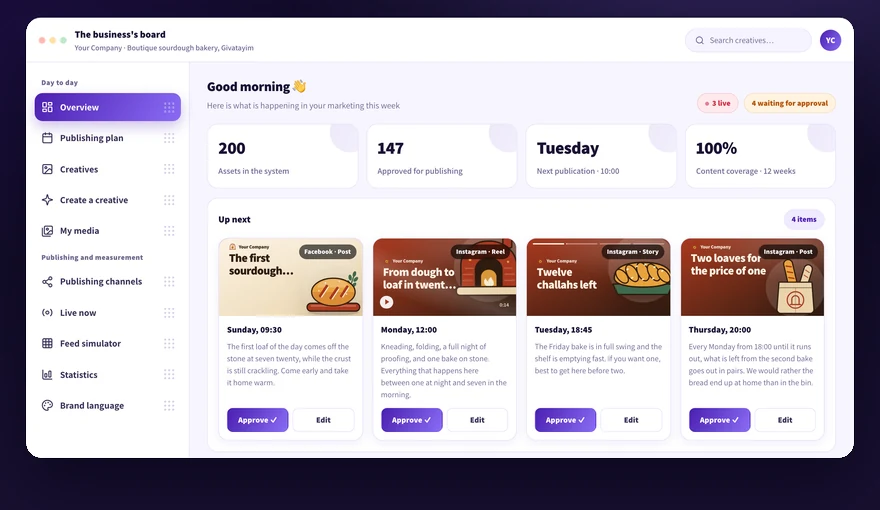
Sign in to the board with the details you received and land on the Overview screen.
4
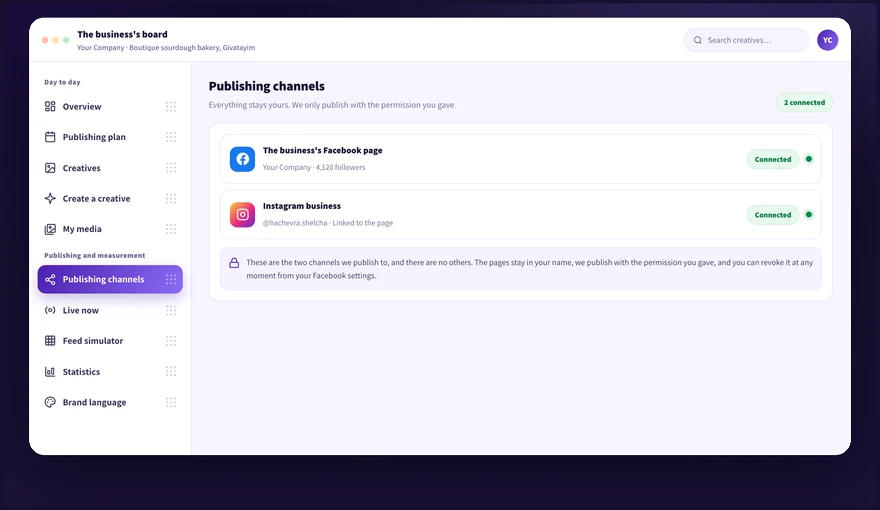
Make sure the Brand kit we embedded is right and connect the publishing channels.
5
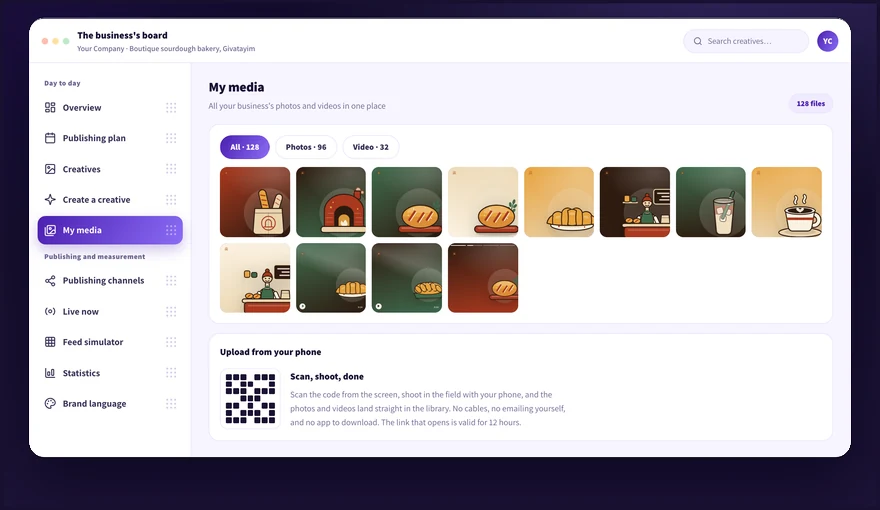
Upload media to the library, and that is all it takes to start.
A tax invoice/receipt is sent to your email automatically around the time of payment. If it is not there, in most cases it is in the spam folder or the email was entered with a typo.
1
Check the spam folder and also the promotions tab.
2
Search the inbox for the word invoice or the name Kampi.
3
Make sure the email address you entered at payment is correct.
4
Write to info@kampi.co.il with the business name and the payment date, and we send it again.
5
Give us the business name and company registration number if the invoice details need fixing.
There is no automatic card renewal. When the period ends the charging simply stops, and if you want to continue you purchase a new plan on the site exactly like the first purchase, or contact us and we arrange the extension.
1
Mark in your calendar the end date of the period you purchased.
2
Go to kampi.co.il about a week before the end and choose a new plan for the next period.
3
Call us at 054-5082696 or write to info@kampi.co.il if you prefer that we arrange the extension with you.
4
Pay and get a new invoice by email, and keep working in the same account.
5
Check on Publishing channels that the connections are still green after the extension.
The content, the media, and the Brand kit stay saved in the account between periods too.
You can move at any point from a shorter plan to a longer one, and the top-up is arranged with us directly. There is no upgrade button inside the board, so it is done by contacting support.
1
Check how much time is left in your current period.
2
Contact 054-5082696 or info@kampi.co.il and ask to move to a longer plan.
3
Settle with us the top-up amount and the new end date.
4
Pay and get an invoice for the top-up.
5
Keep working as usual, without opening a new account and without reconnecting the channels.
Moving from a longer plan to a shorter one mid-period is not done. A mid-period upgrade is arranged with us, unlike a regular purchase or renewal which is done on the site.
Since there is no automatic renewal, stopping simply means not extending the period. If you want to stop immediately, disconnect the channels and the system stops publishing.
1
Let us know by phone at 054-5082696 or by email at info@kampi.co.il that you are not continuing.
2
Keep the original files you uploaded on your side, because the system is not a backup tool.
3
Disconnect the connection from your business settings on Facebook, and the dots on Publishing channels will turn red.
4
Check on Live now what is still on air before disconnecting.
5
Keep managing the pages and accounts as usual, they remain yours.
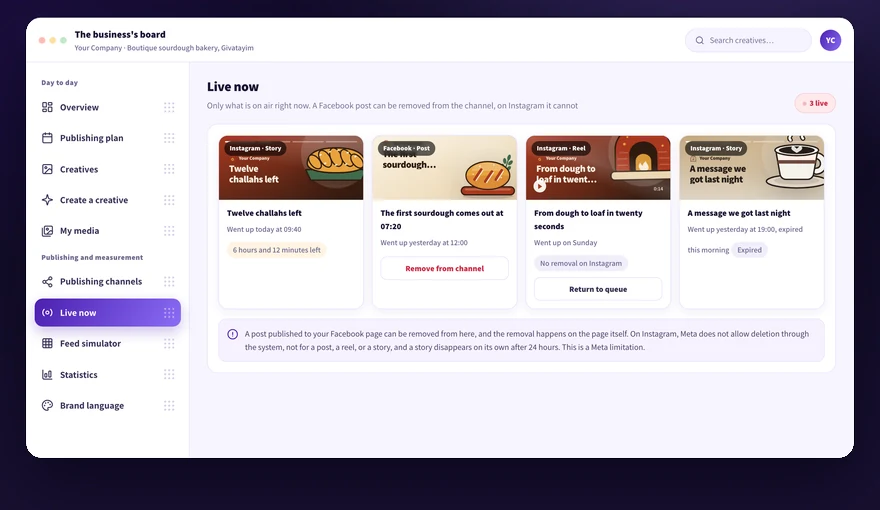
Posts that already went up stay on the page until they are removed. On Facebook a post can be removed from the channel. Instagram content, whether a post, a reel, or a story, is not deleted through the system and removal is done from the Instagram app, and a story comes down on its own after 24 hours. For personal data deletion contact us at info@kampi.co.il.
Paid campaign management is included in the Pro and Extra plans, and that is one of the two differences between Basic and Pro. The second difference is My media storage, 75MB on Basic against 135MB on Pro. The media budget itself is not included in Kampi's price on any plan, and it is paid by you directly to Meta and we do not take a cut of it.
1
Check what the plan includes: a content plan, creatives, a media library, and scheduled organic publishing.
2
Remember that paid campaign management is included in the Pro and Extra plans only, and that is one of the two differences between Basic and Pro, alongside My media storage, 75MB on Basic against 135MB on Pro.
3
Run a media budget in Meta's ads manager in your own account, because it is paid by you directly to Meta.
4
Make sure the payment method in your ad account is up to date, because the charge comes from there.
A media budget is never included in Kampi's price and does not appear on our invoice.
Didn't find it? Ask us
The bot knows the whole help center. If it doesn't know, it hands you over to us with a summary of what you already tried.